[心得] 幾部遊戲用His 4870風扇版作簡測
這篇本來要貼去電蝦版, 不過小弟手上能測FPS的幾塊遊戲剛好都是這一類屬性. 想想乾
脆多補2片遊戲, 然後貼來這裡.
______________________本文開始________________________________________________
測試環境
CPU: AMD x2 7750BE OC 3.1G
http://i661.photobucket.com/albums/uu340/ells0008/CPU-Z-1.jpg
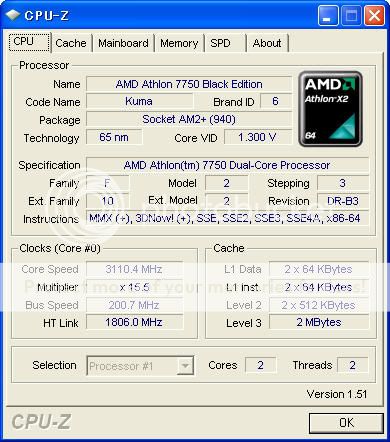
記憶體: 正創見DDR2-800 2Gx2
主機板: Asus M4A78-PRO
顯示卡: His 4870 GDDR5-1G fan
http://i661.photobucket.com/albums/uu340/ells0008/GPU-Z.jpg
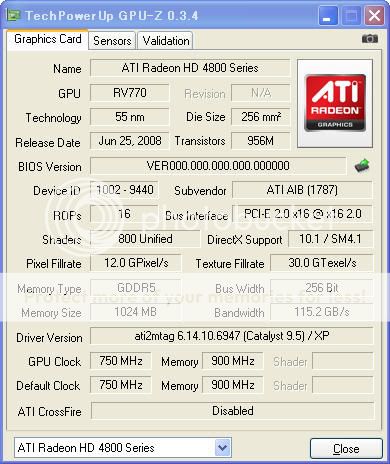
驅動版本: Catalyst 9.5
作業系統: WINXP home SP3 日文版
POWER: Zippy HU2 560W
測試遊戲: ero醫3D, love death2(1.08版), love death3(1.03版),
Time Leap benchmark(1.00版), 鬥神都市3(1.00版)
................................測試開始......................................
首先是Fulltime社的ero醫3D
http://i661.photobucket.com/albums/uu340/ells0008/00-1.jpg
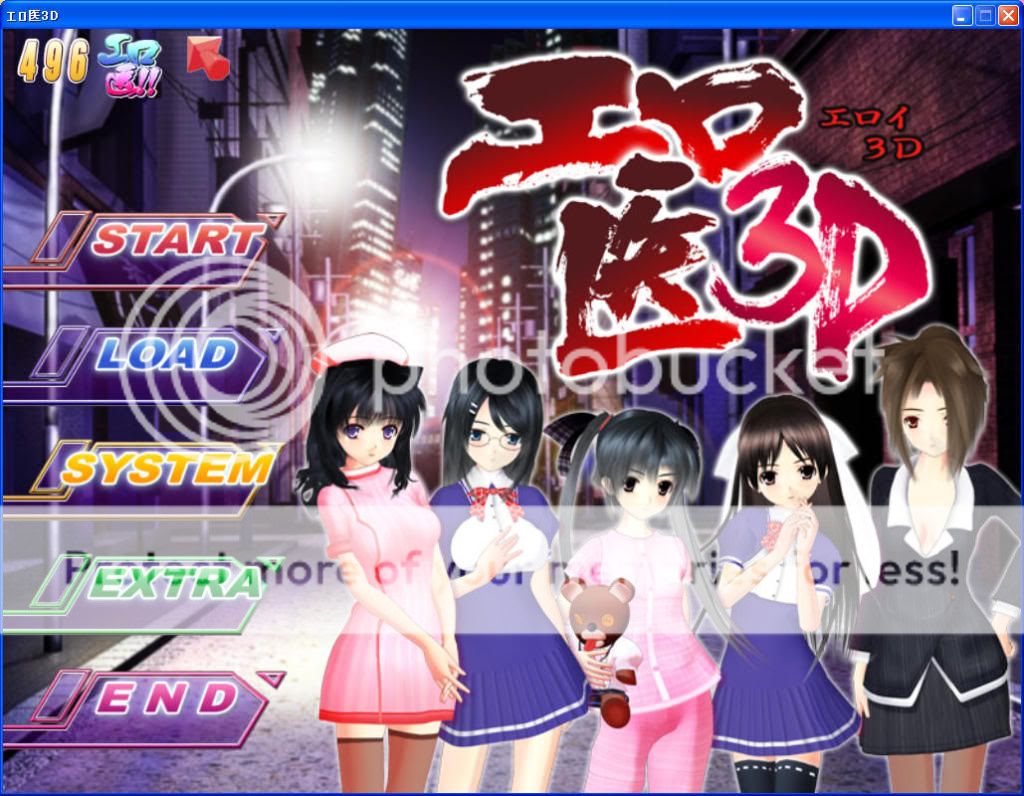
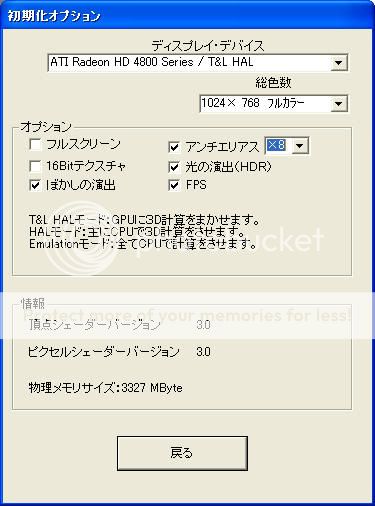
解析度1024x768, 8AA, 特效全部開最大
http://i661.photobucket.com/albums/uu340/ells0008/4a90ac17.jpg
場景1 一般事件FPS約90-95
http://i661.photobucket.com/albums/uu340/ells0008/02.jpg
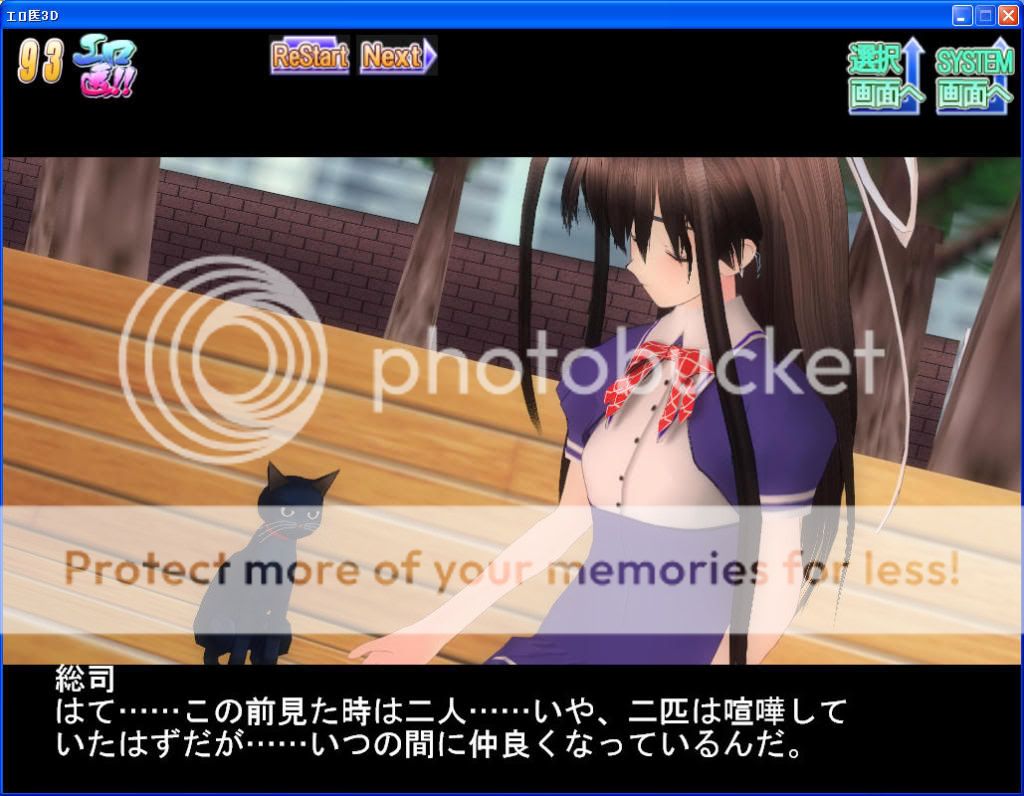
場景2 不過有些場景FPS會降低至約55-60
http://i661.photobucket.com/albums/uu340/ells0008/03.jpg

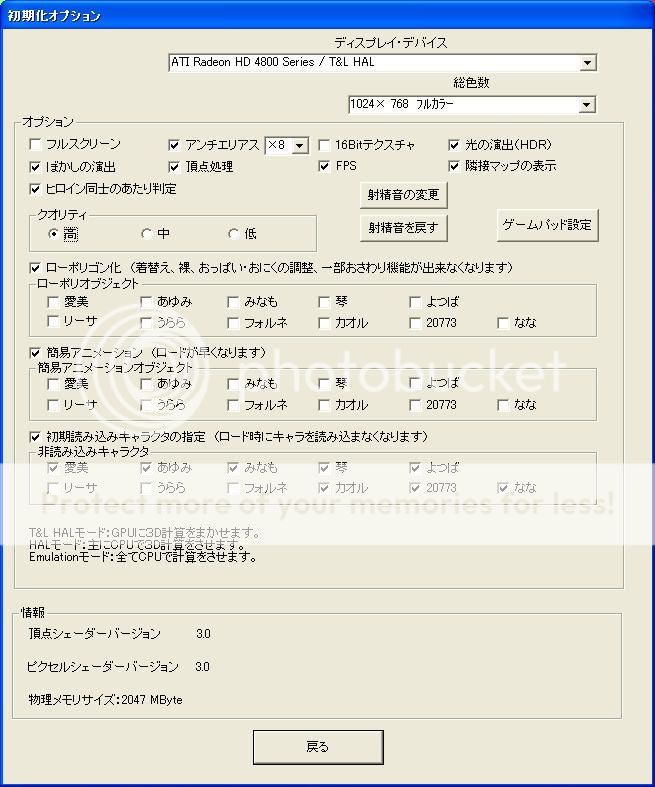
接下來降低設定, 解析度1024x768, noAA, 特效全關 ,並由CPU負責大部分運算
http://i661.photobucket.com/albums/uu340/ells0008/c8dc46d5.jpg
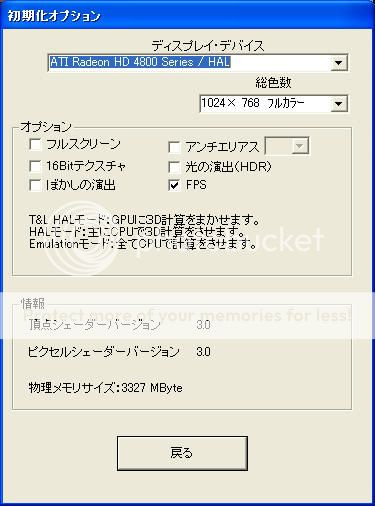
看起來這種設定無助於增加FPS, 反而降低. 最好還是要讓顯示卡接手大部分運算
http://i661.photobucket.com/albums/uu340/ells0008/04.jpg
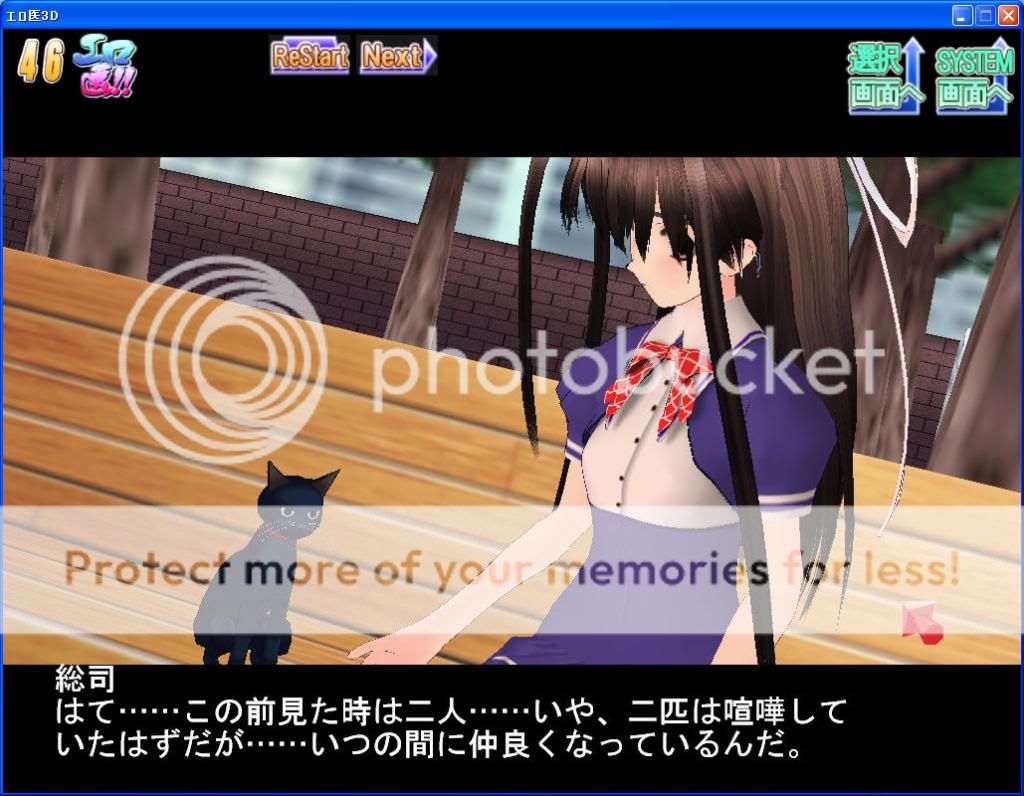
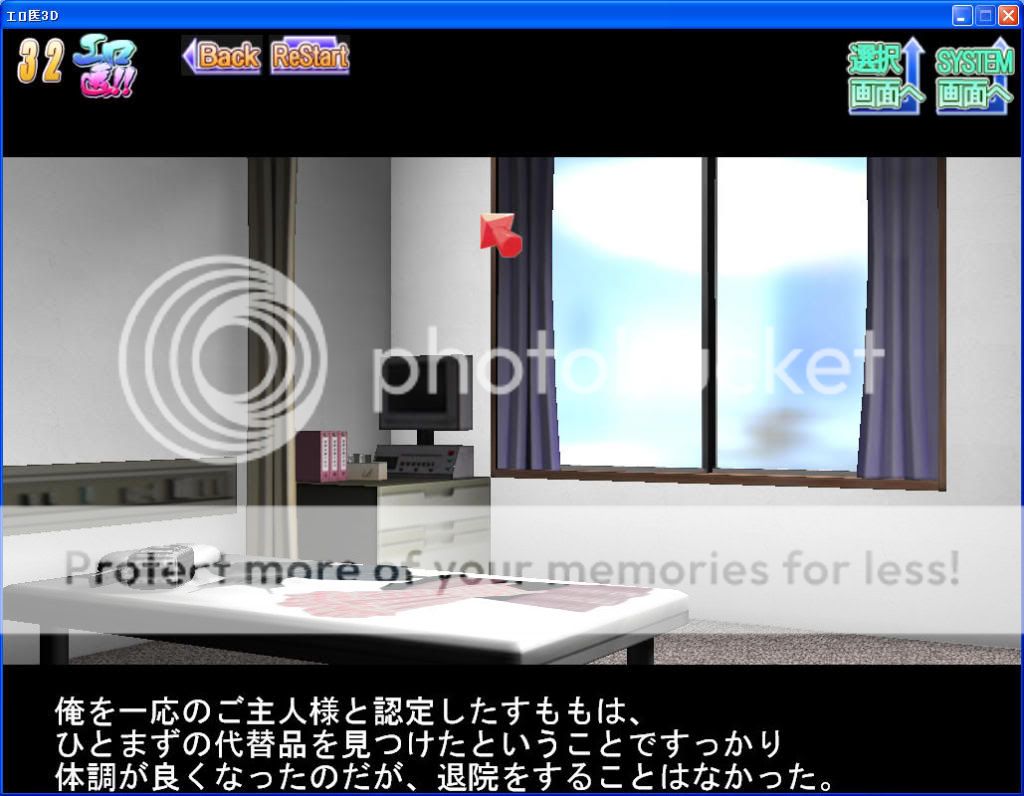
FPS為46及32
改變設定, 由顯示卡負責大部分運算. 解析度1024x768, noAA, 特效全關
http://i661.photobucket.com/albums/uu340/ells0008/195cbb77.jpg
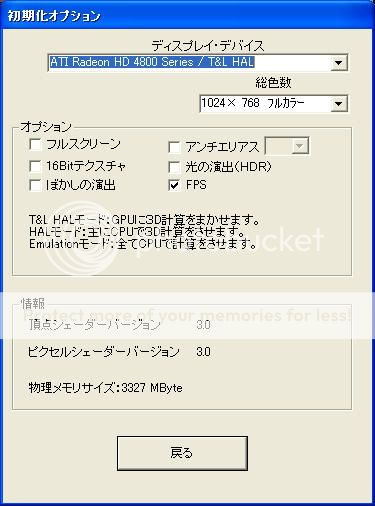
對這塊遊戲來說 降低設定似乎無助於提升FPS
http://i661.photobucket.com/albums/uu340/ells0008/06.jpg
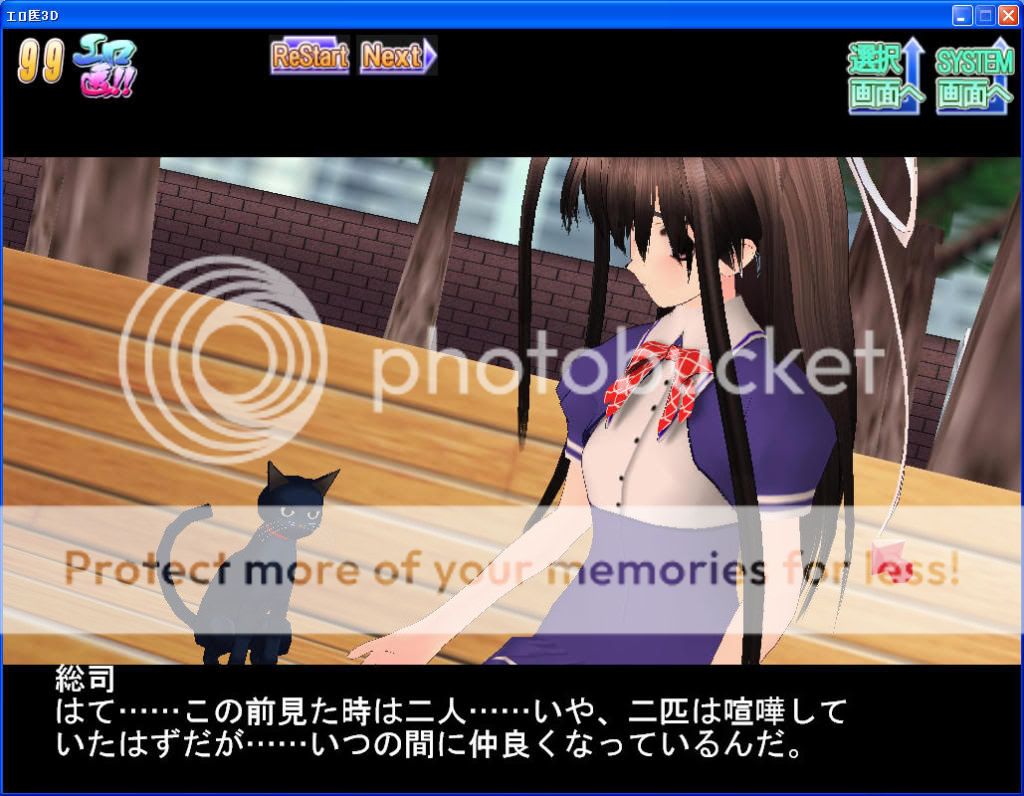
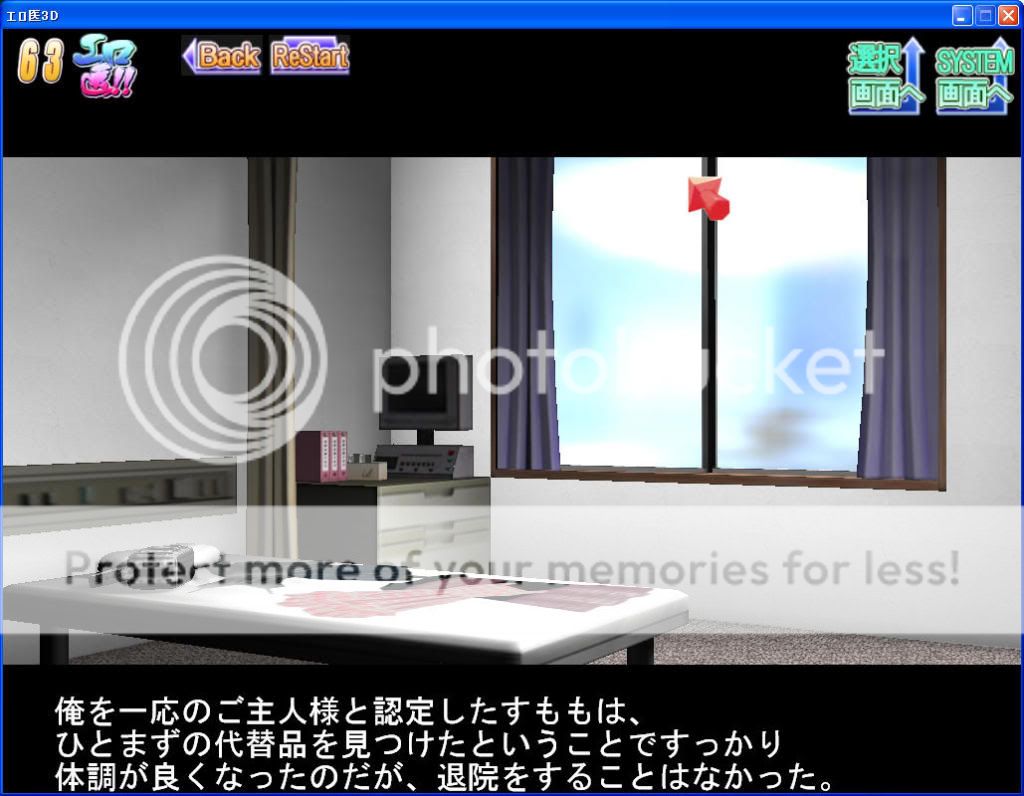
FPS為99及63
第二塊遊戲是Teatime社的love death2(1.08版)
http://i661.photobucket.com/albums/uu340/ells0008/01.jpg
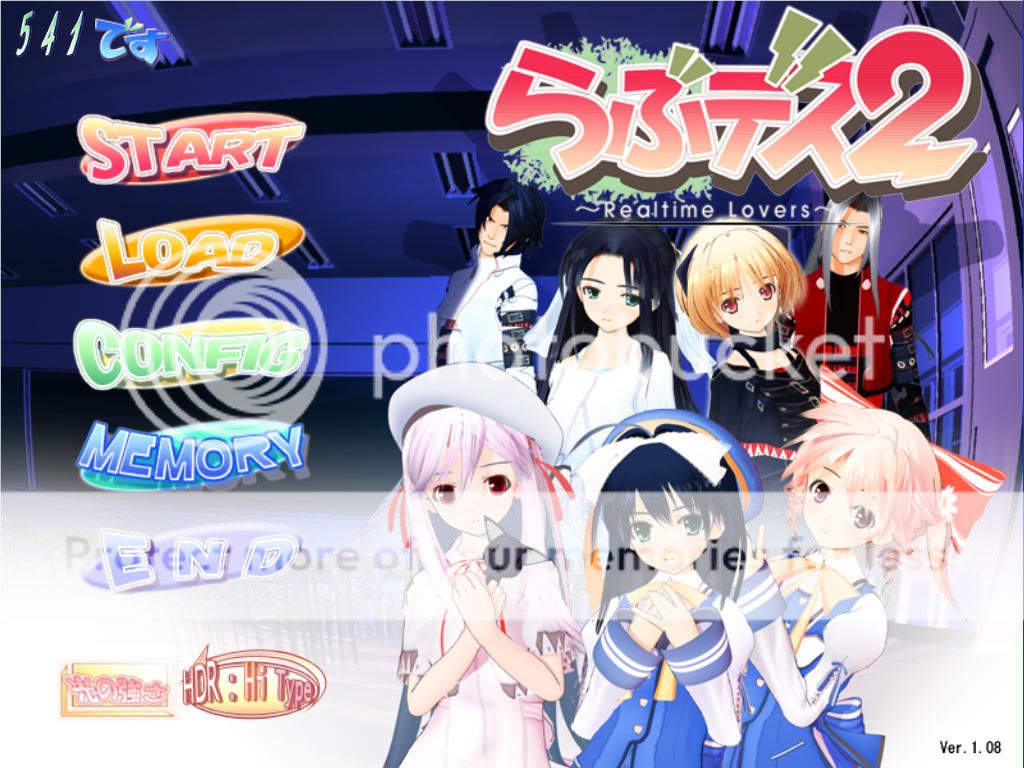
解析度1024x768, 8AA, 特效全部開最大
http://i661.photobucket.com/albums/uu340/ells0008/4091df07.jpg
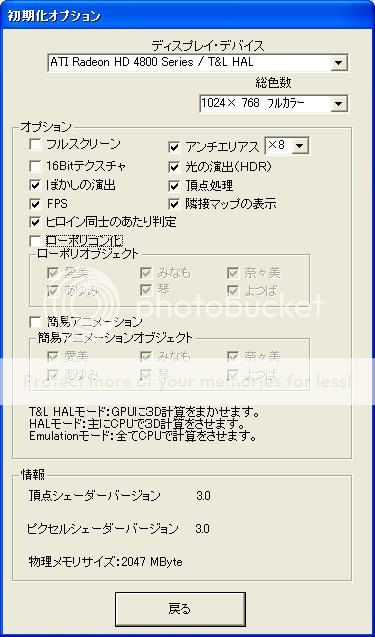
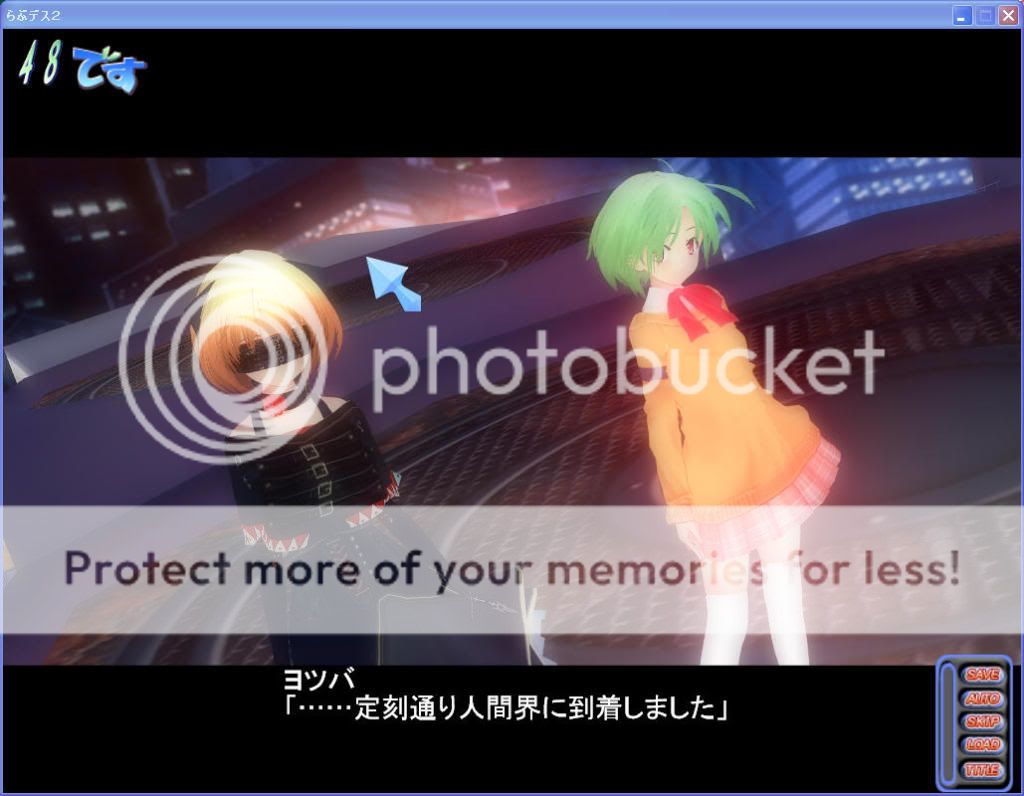

接下來降低設定, 解析度1024x768, noAA, 特效全關
http://i661.photobucket.com/albums/uu340/ells0008/5ed018fc.jpg

有些場景, 即使降低設定, FPS仍然提高不多. FPS約48-51
http://i661.photobucket.com/albums/uu340/ells0008/04-48-51.jpg
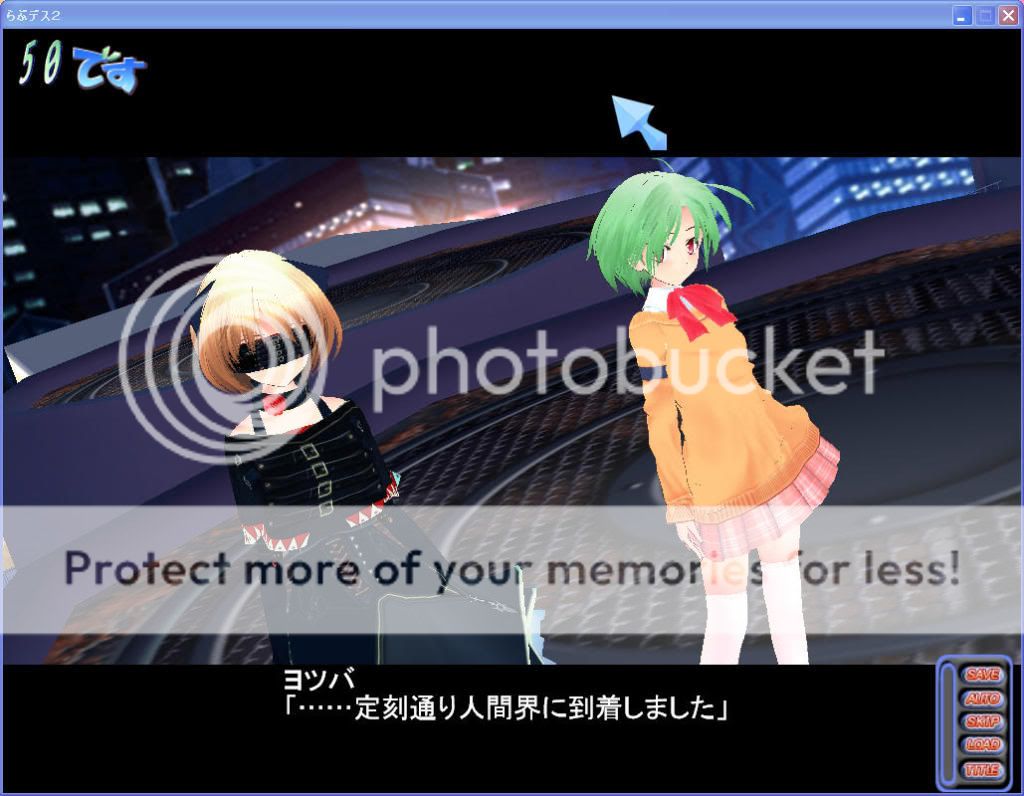
不過也有些地方降低設定後, FPS明顯增加. FPS約56-58
http://i661.photobucket.com/albums/uu340/ells0008/05-56-58.jpg

第三塊遊戲為同是Teatime社的love death3(1.03版)
http://i661.photobucket.com/albums/uu340/ells0008/00.jpg
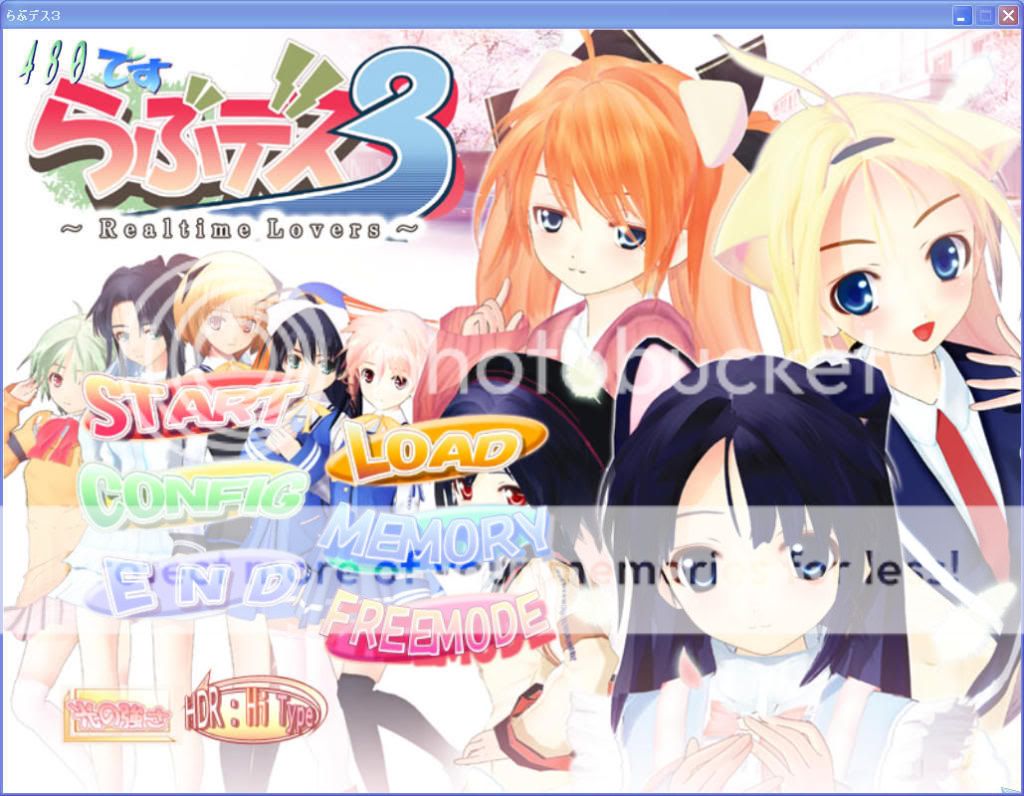
解析度1024x768, 8AA, 特效全部開最大
http://i661.photobucket.com/albums/uu340/ells0008/5cbe506e.jpg
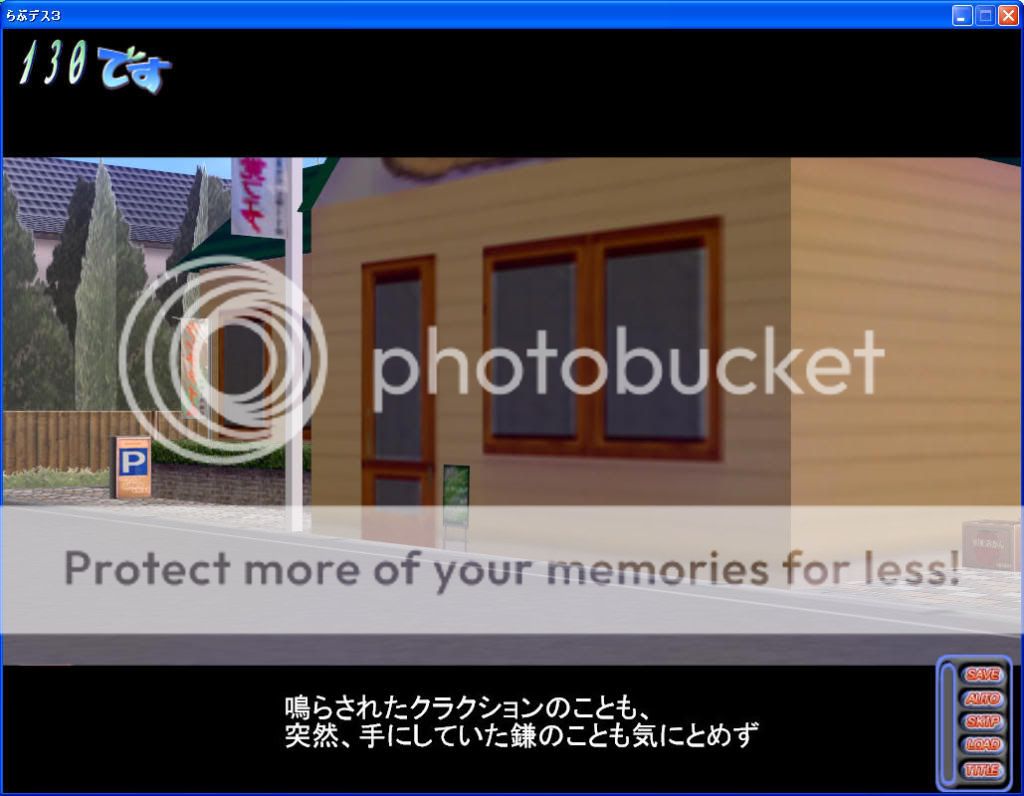
非事件時很順, FPS約125-135
http://i661.photobucket.com/albums/uu340/ells0008/01-1.jpg
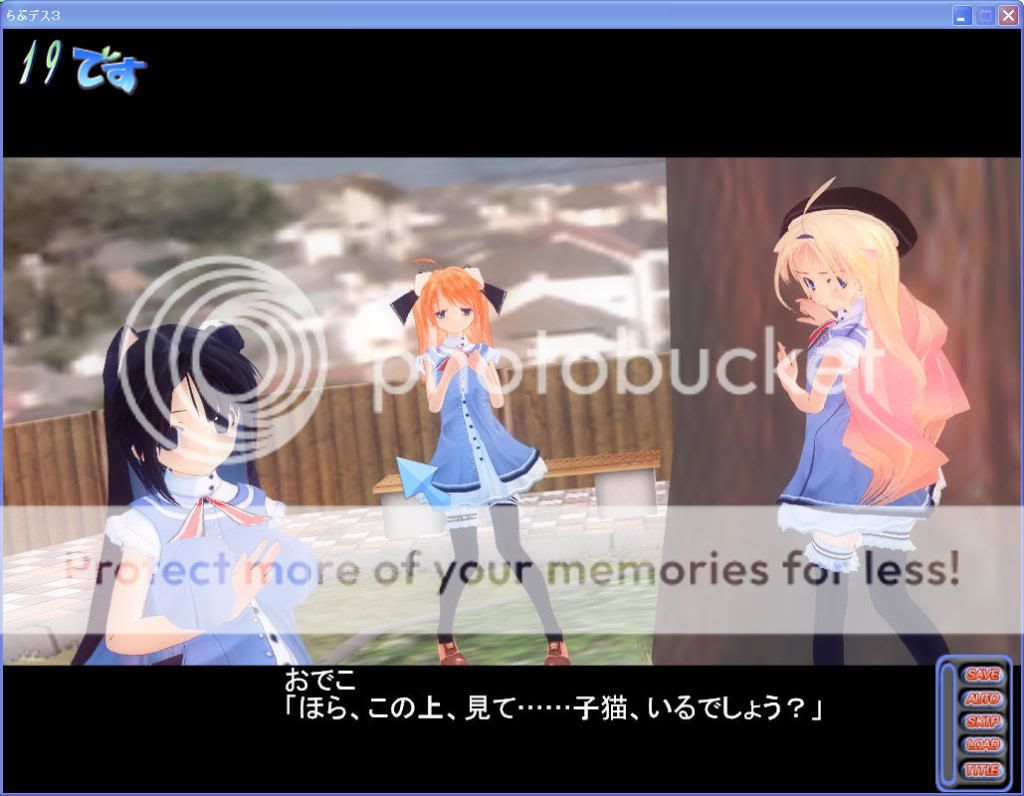
不過進入事件場景就..., FPS約18-20, 看來即使用4870也很吃力
雖然不是不能玩, 不過字幕也自動降速了(預設文字顯示快)
http://i661.photobucket.com/albums/uu340/ells0008/02-18-20.jpg
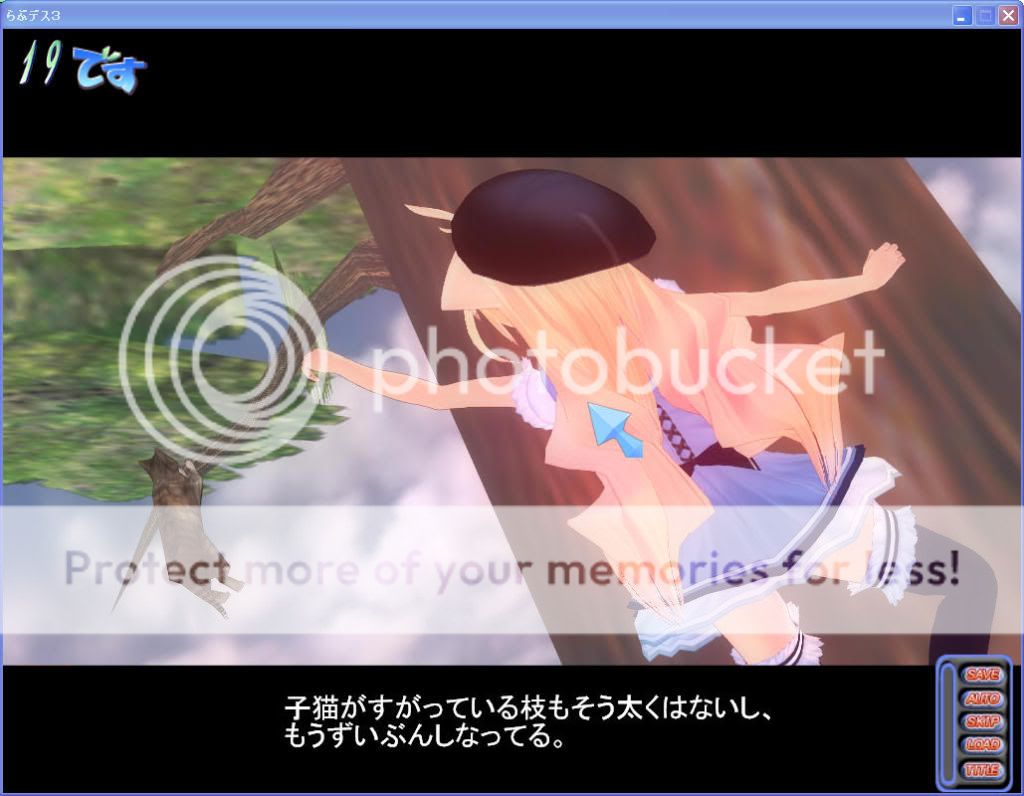
勇者貓正在特訓單槓, 準備上極限體能王挑戰長野誠船長(誤)
http://i661.photobucket.com/albums/uu340/ells0008/03-18-20.jpg
接下來降低設定, 解析度1024x768, noAA, 特效全關
http://i661.photobucket.com/albums/uu340/ells0008/deecf395.jpg
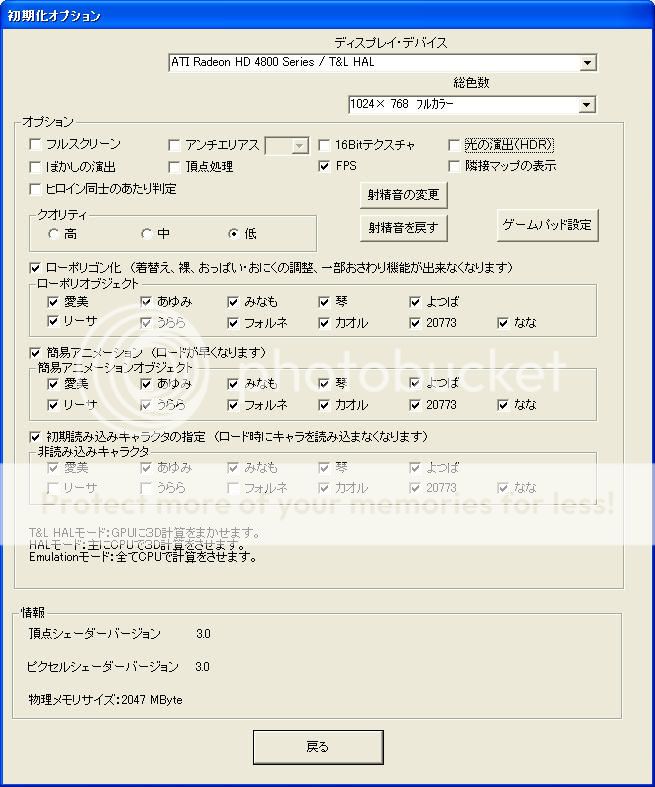
看起來降低設定可以讓遊戲跑得比較順, FPS約29-31
http://i661.photobucket.com/albums/uu340/ells0008/04-29-31.jpg
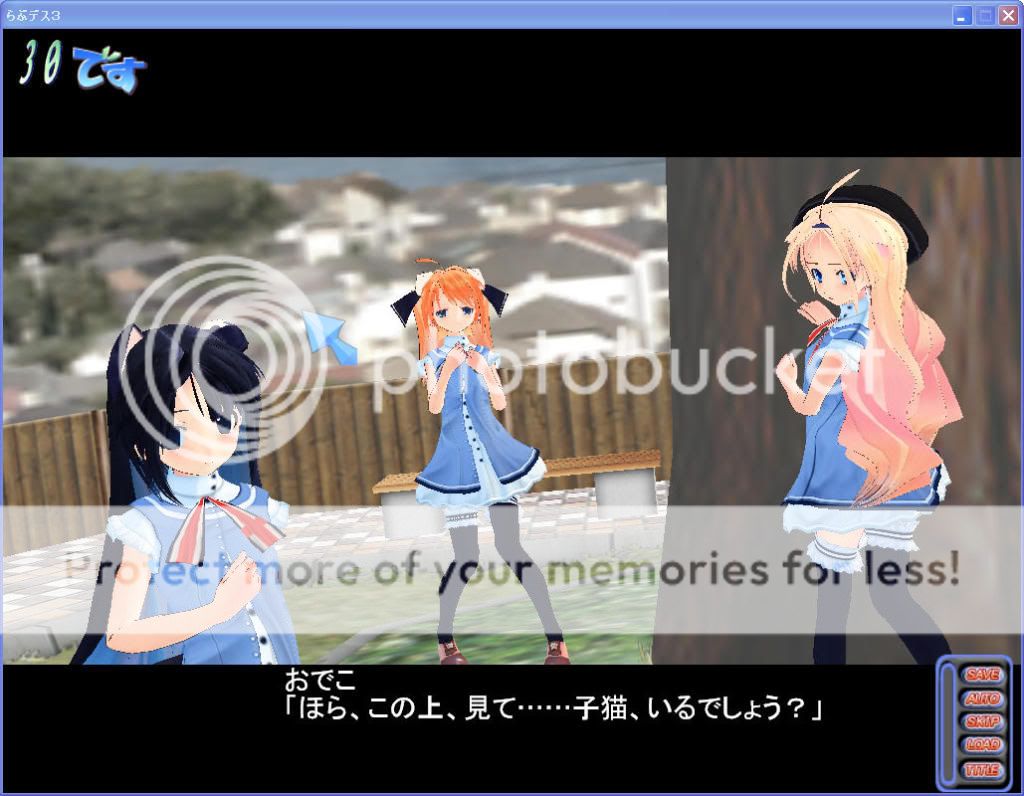
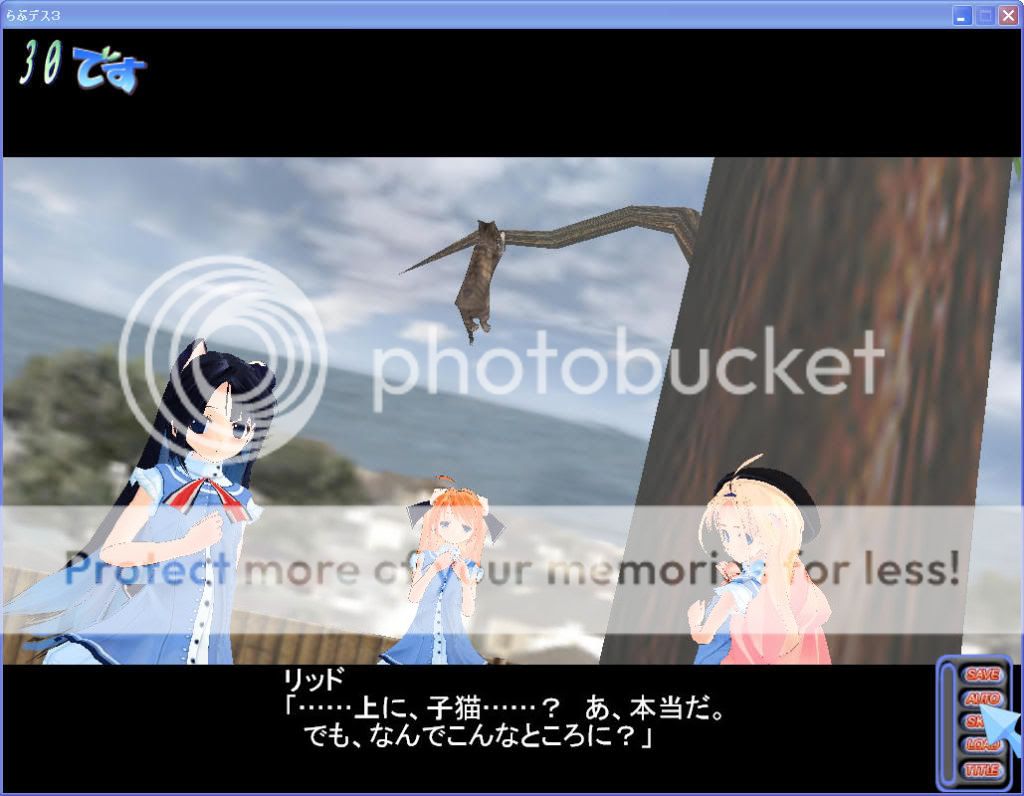
第四塊遊戲是FrontWing社的TimeLeap, 不過遊戲中無顯示FPS
因此只測試遊戲內附的benchmark(1.00版)
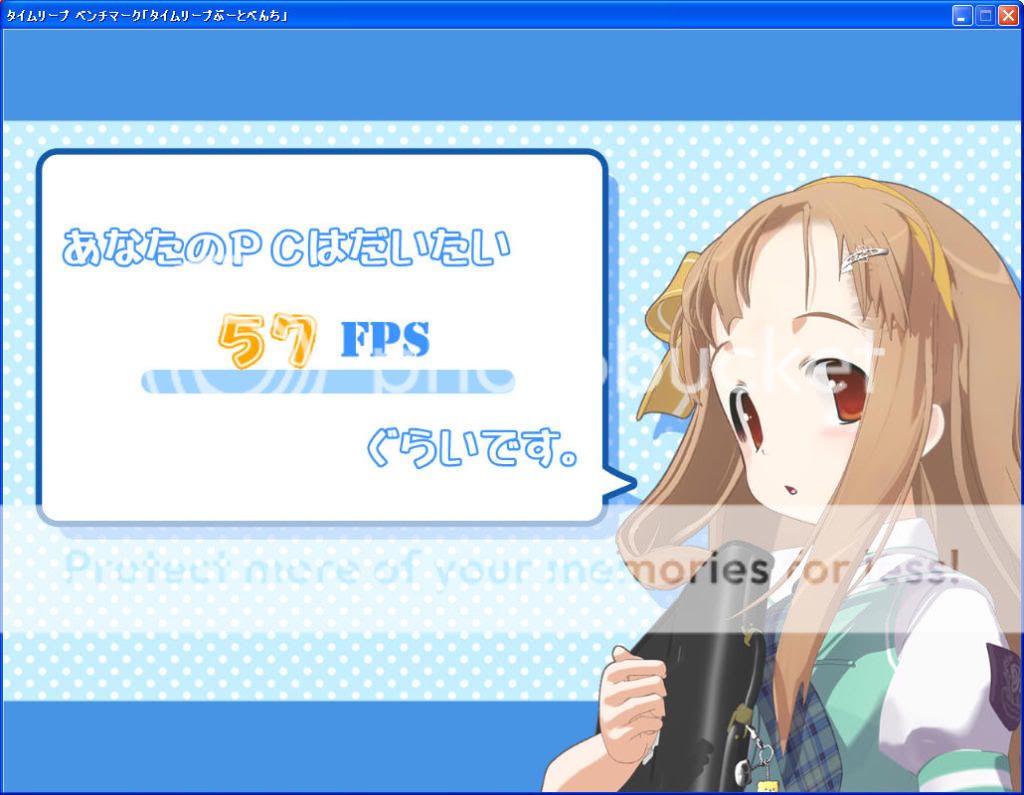
解析度1024x768, 8AA, 特效全部開最大,天氣大雪(最吃資源)
http://i661.photobucket.com/albums/uu340/ells0008/ac49dba6.jpg
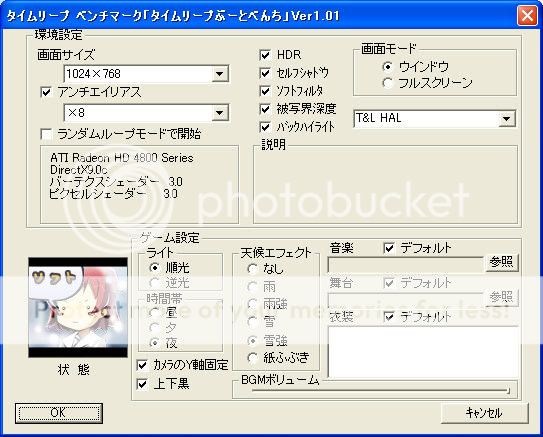
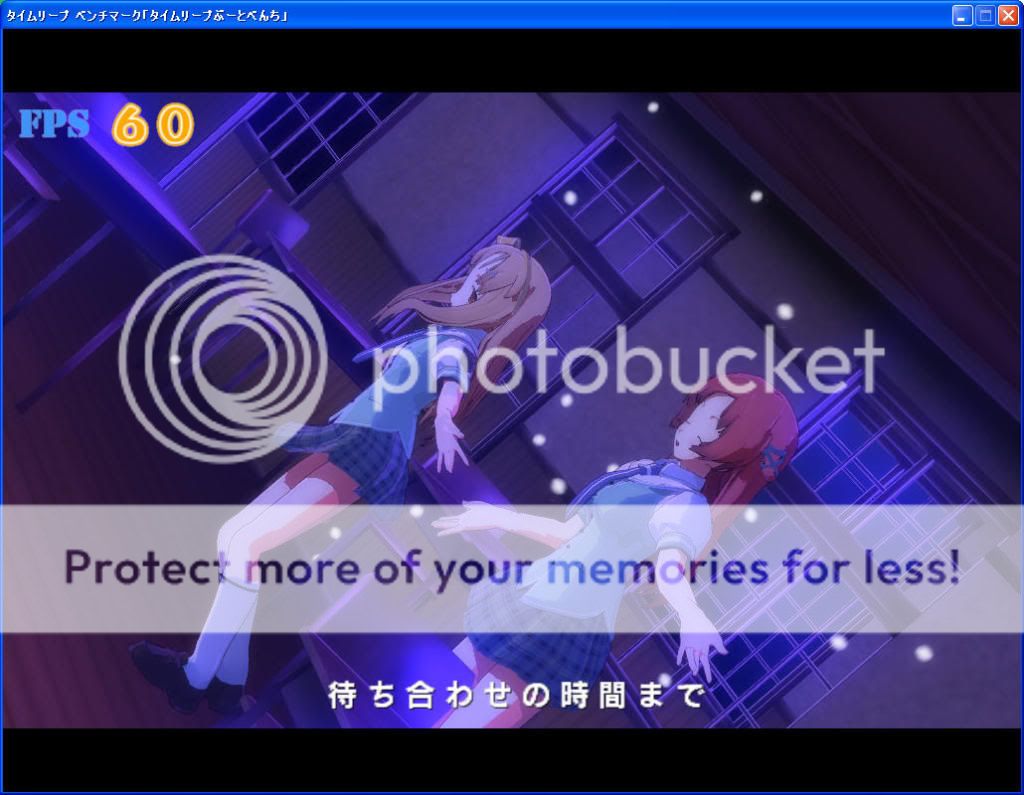
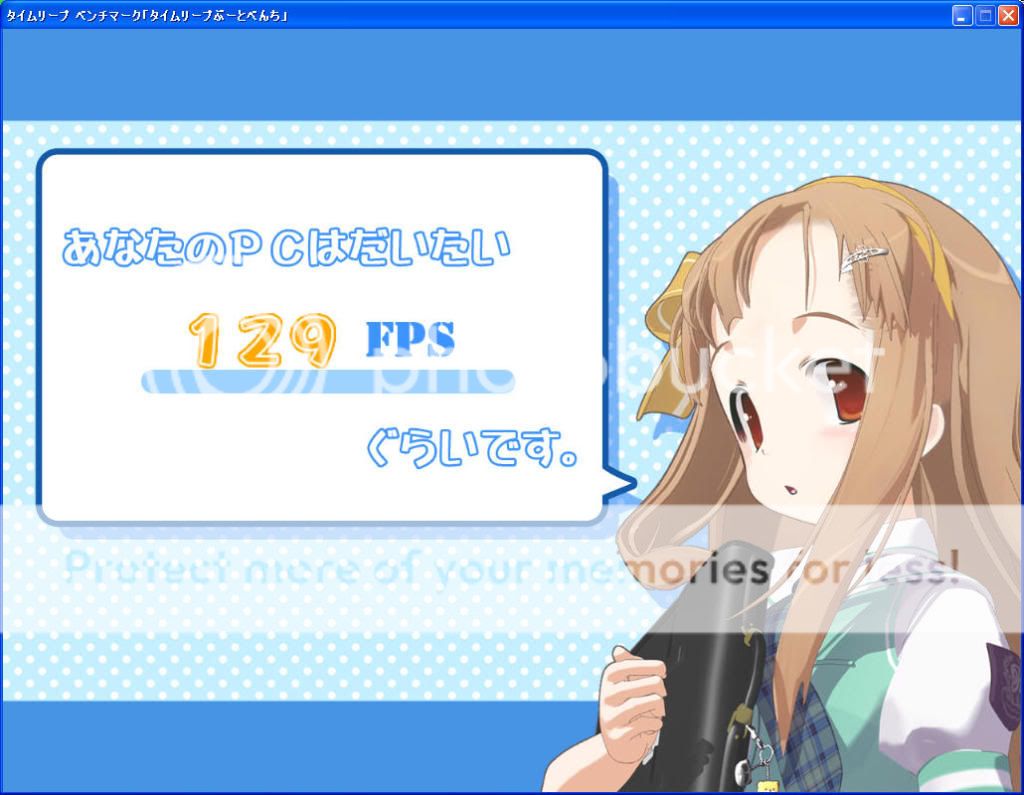
benchmark程式的判定,FPS平均57
http://i661.photobucket.com/albums/uu340/ells0008/02-1.jpg
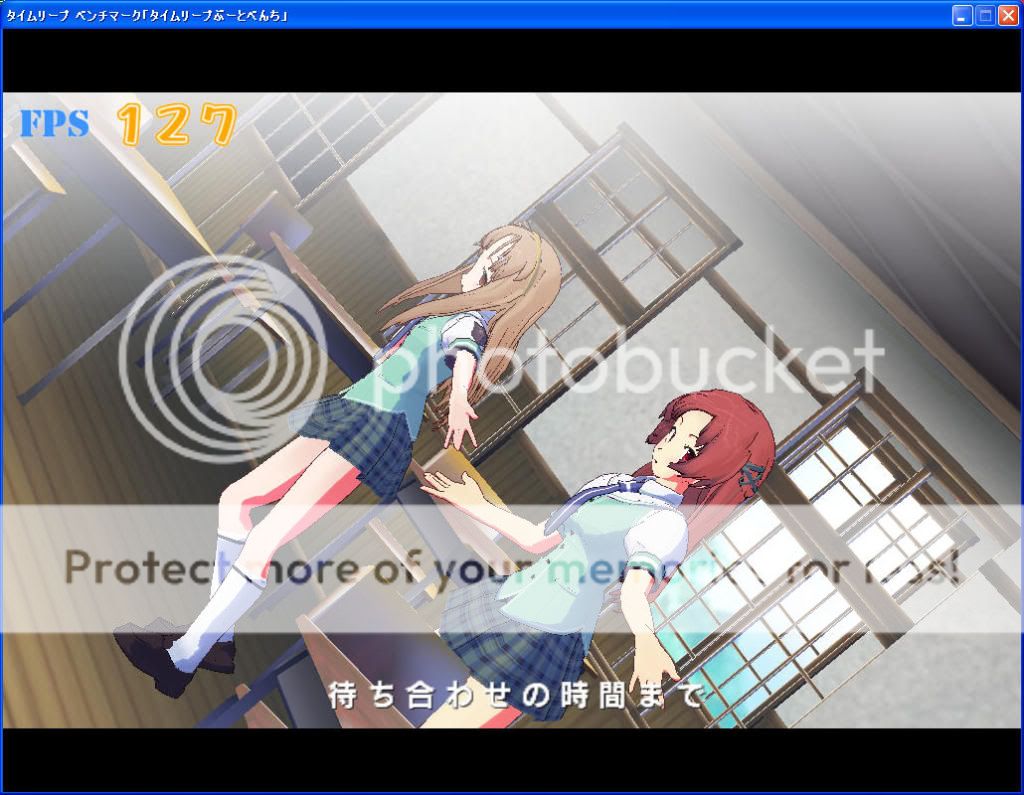
接下來降低設定, 解析度1024x768, noAA, 特效全關,無天氣效果
http://i661.photobucket.com/albums/uu340/ells0008/b0623944.jpg
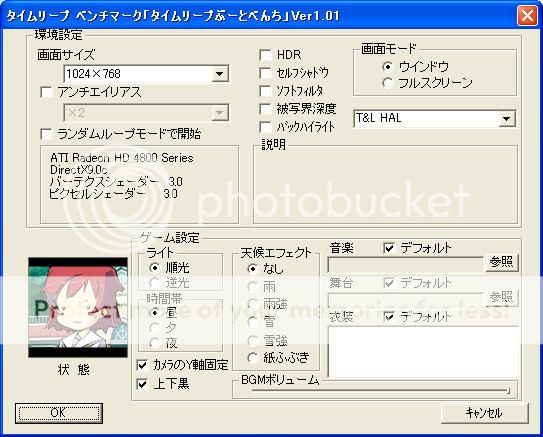
FPS提高一倍(約125-130), 不知道遊戲中是否也提高這麼多
http://i661.photobucket.com/albums/uu340/ells0008/03-1.jpg
benchmark程式的判定,FPS平均129
http://i661.photobucket.com/albums/uu340/ells0008/04-1.jpg
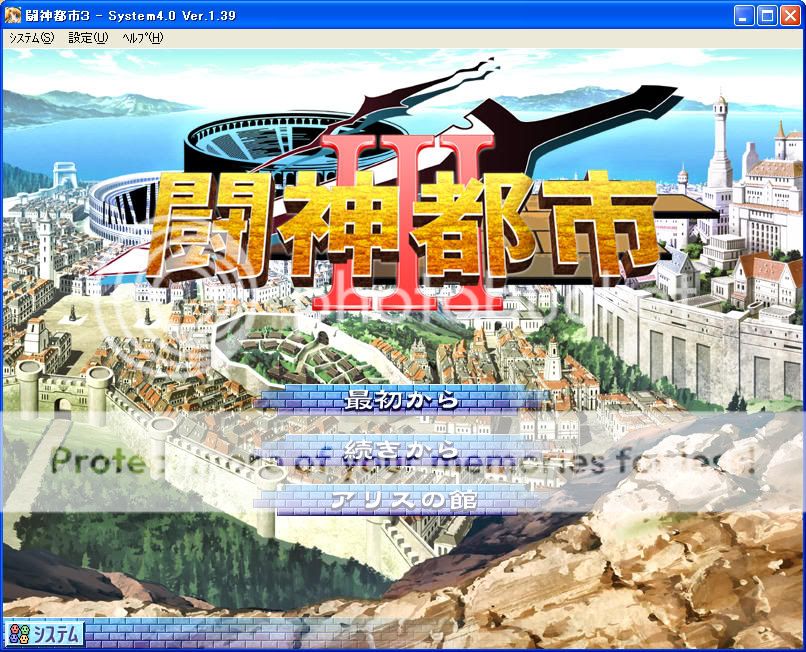
最後測試一塊大家都跑得動的遊戲
http://i661.photobucket.com/albums/uu340/ells0008/01-3.jpg
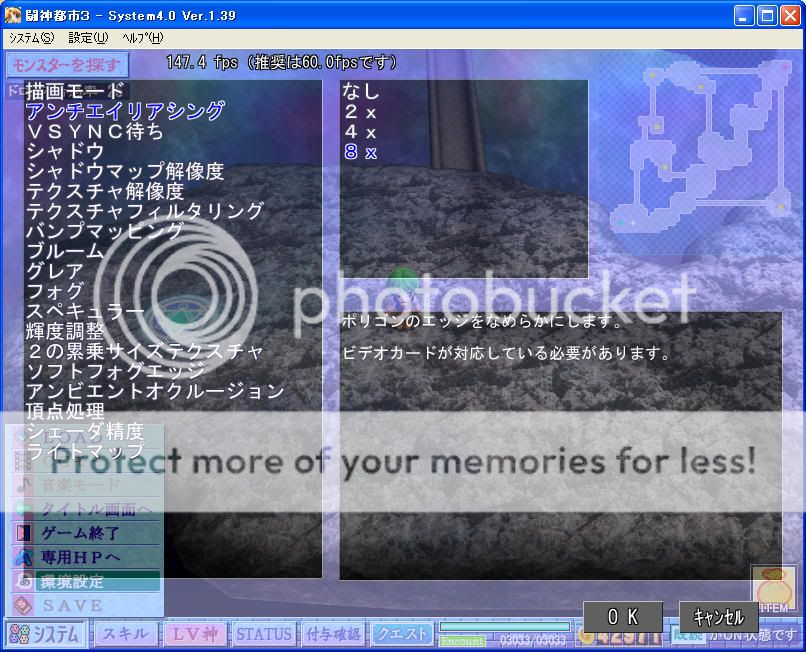
解析度800x600, 8AA, 特效全部開最大. 迷宮場景1, FPS約146-153
http://i661.photobucket.com/albums/uu340/ells0008/01-146-153.jpg
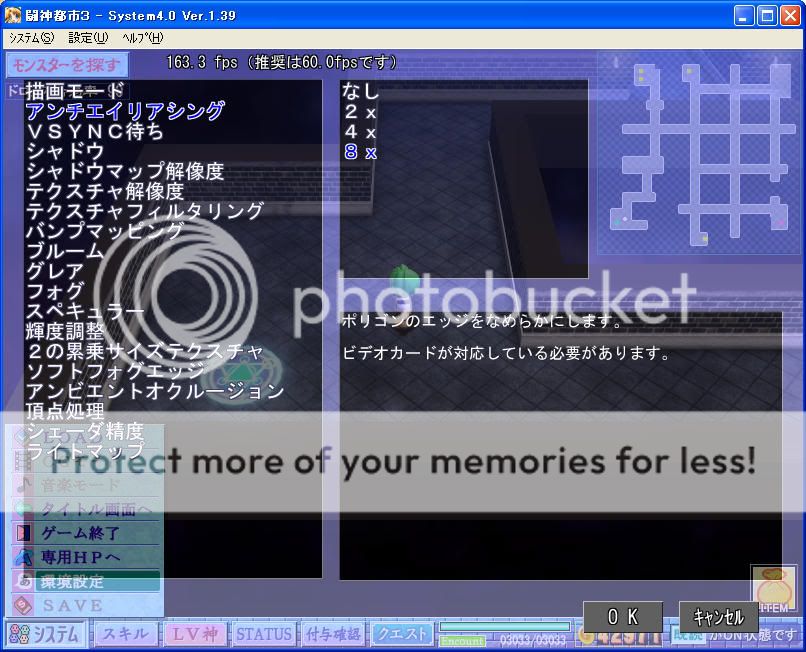
迷宮場景2, FPS約157-165
http://i661.photobucket.com/albums/uu340/ells0008/02-157-165.jpg
迷宮場景3, FPS約155-159
http://i661.photobucket.com/albums/uu340/ells0008/03-155-159.jpg
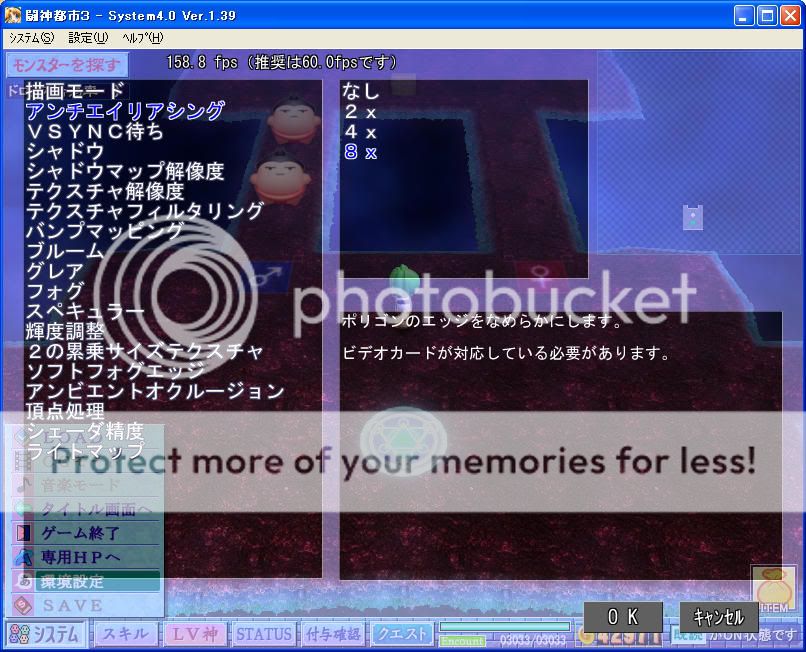
迷宮場景4, FPS約155-163
http://i661.photobucket.com/albums/uu340/ells0008/04-155-163.jpg
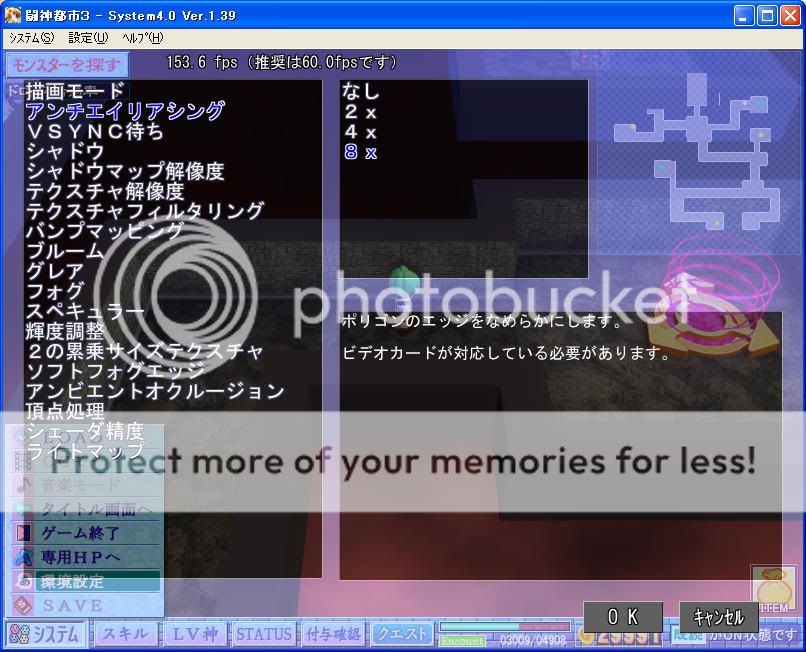
迷宮場景5, FPS約118-125, 不知道大家跑到這裡會不會比較頓
http://i661.photobucket.com/albums/uu340/ells0008/05-118-125.jpg
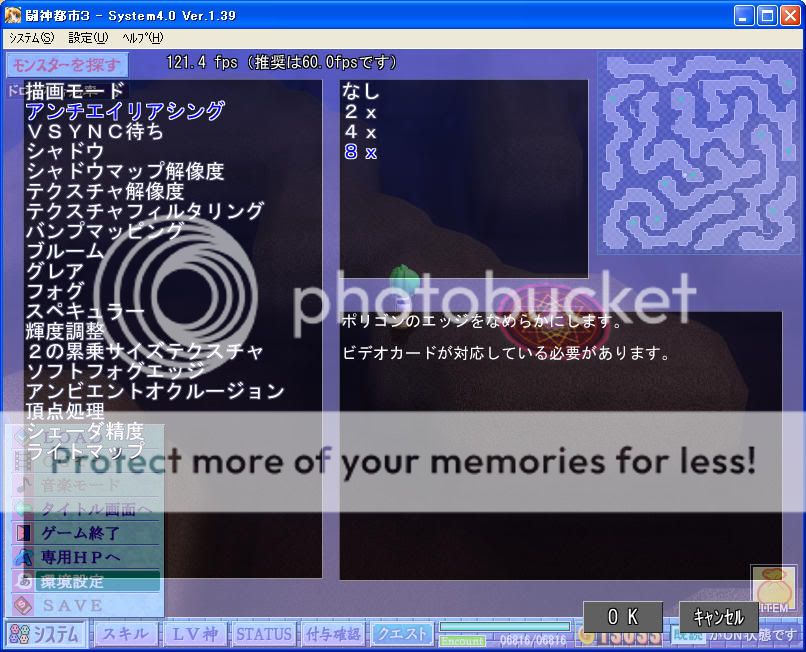
同樣設定下進入戰鬥. 戰鬥場景1, FPS約104-110, 比起迷宮模式降不少
可以了解大家為何不喜歡3D場景戰鬥
http://i661.photobucket.com/albums/uu340/ells0008/01-104-110.jpg
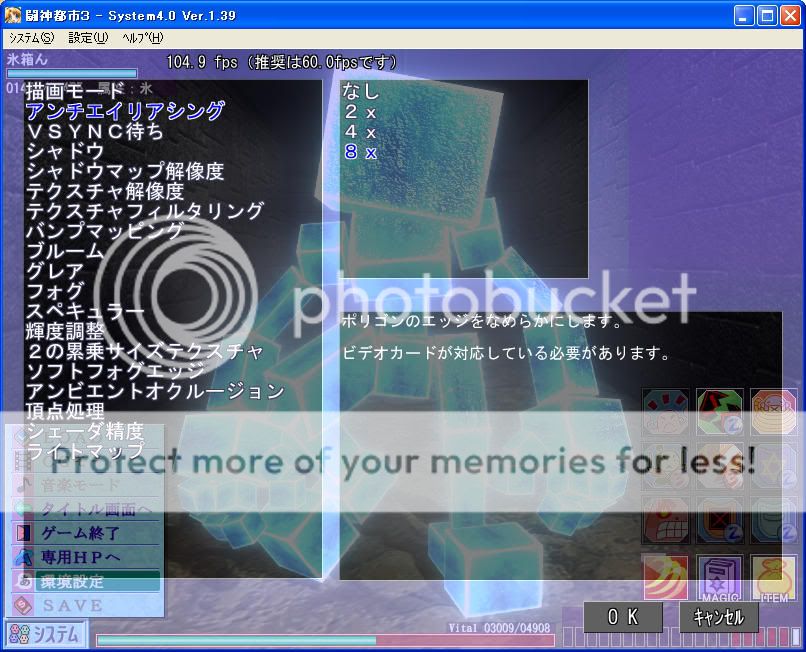
戰鬥場景2, FPS約113-120
http://i661.photobucket.com/albums/uu340/ells0008/03-113-120.jpg
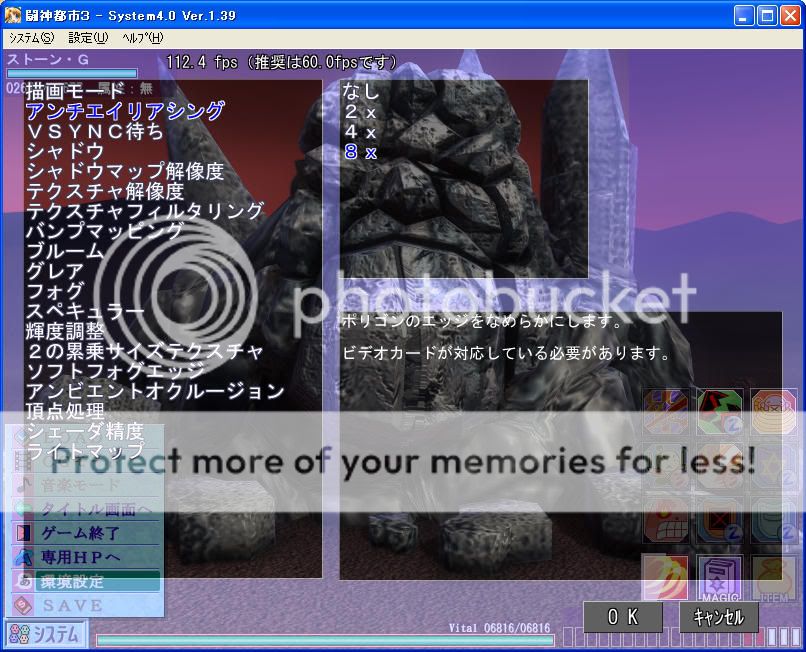
戰鬥場景3, FPS約111-120
http://i661.photobucket.com/albums/uu340/ells0008/04-111-120.jpg
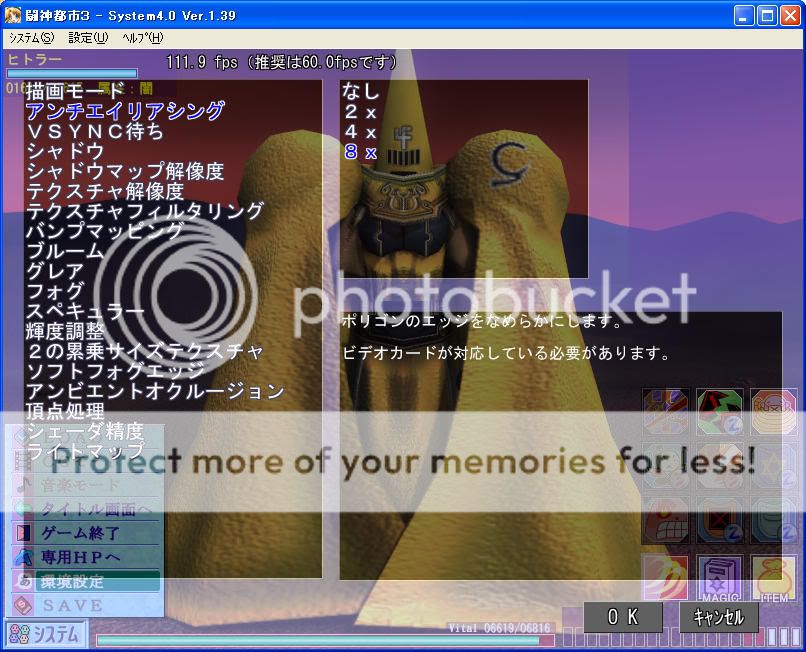
解析度800x600, noAA, 特效全關. 迷宮場景4, FPS約220-240
http://i661.photobucket.com/albums/uu340/ells0008/04-220-240.jpg
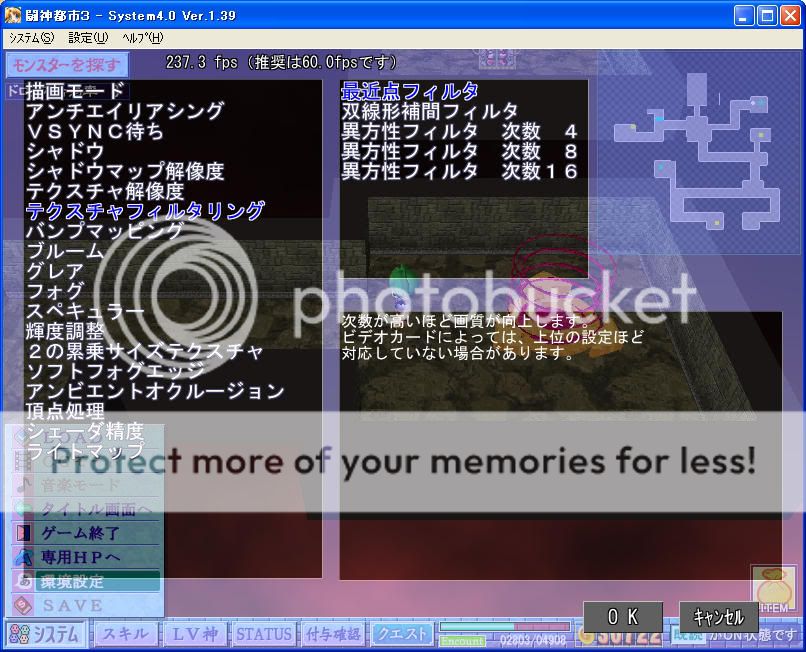
雖然圖變難看了, 不過AliceSoft還是很體貼電腦不夠好的玩家
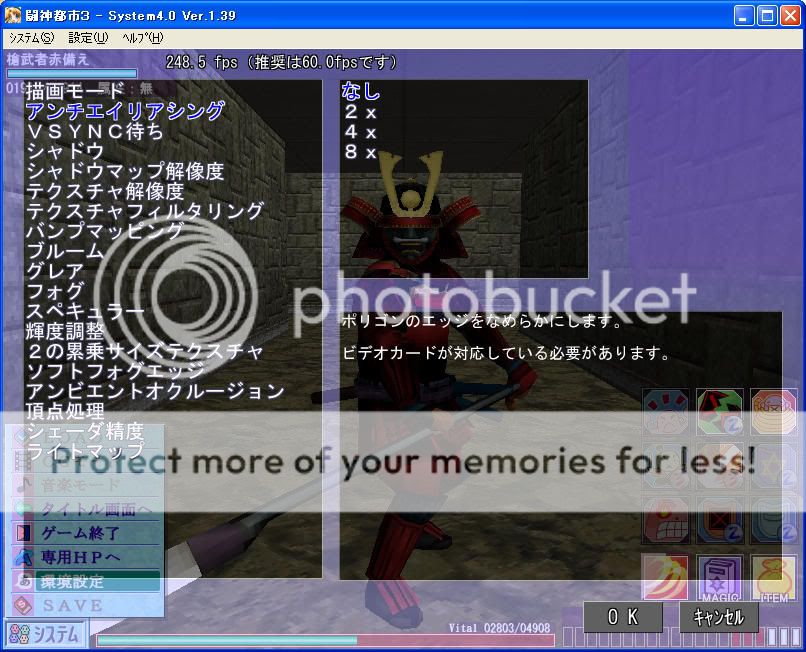
同樣設定下的戰鬥場景, FPS約243-250. ...算了, 跑的順最重要.
http://i661.photobucket.com/albums/uu340/ells0008/05-243-250.jpg
後記
這次測試小弟都採用1024x768的解析度(鬥神都市3為800x600), 因為小弟
平常都用視窗模式玩, 全螢幕模式不方便做其他事情. 而且有不少2D遊戲
解析度就只有1024x768, 因此測試時也用平常的習慣. 更高解析度下一般並
不會使FPS大幅降低, 除非顯示記憶體不夠用(小弟有簡單測一下, 不過沒抓圖)
雖然許多2D HG多半會照顧用老電腦的玩家, 不過另一方面,賣點偏3D的遊戲
要求配備也越來越高, 建議配備不夠的玩家可暫時先忽略這些遊戲.
雖然測試過程中, GPU-Z的GPU負載始終是0, Catalyst CCC的GPU負載也只波動
一下後就歸零, 不過測TimeLeap benchmark也是如此. 而TimeLeap benchmark
據PCDVD網友的測試, 用AMD x2 5000+配內顯, 780G在1280x720下FPS只有5~6
(特效全開),雖然他用的是更新的版本(1.03)不過這應該表示這個測試會受
顯示卡能力影響,所以小弟的評論就無視於GPU-Z及Catalyst CCC的GPU負載異常
小弟對幻影社的遊戲比較沒有愛, 歡迎其他板友來接龍.
最後一段偏電蝦文, 簡介用這張卡的心得. 沒興趣的板友請不必再往下看.
___________________________主測試文結束_________________________________
4870真的是很熱的一張卡, 就像是電暖爐一樣. GPU待機約55度, 沒測過全速
不過跑比較吃力的測試時約70度. 這張卡的風扇雖不算安靜, 但也沒有很吵
小弟還沒聽到過高頻音, 風扇的音量感覺和CPU(7750)風扇的聲音差不多,
兩個音量加起來像是把電扇放2公尺遠一樣(不知道這樣算不算吵)
個人覺得對不怕吵的人來說這張還不錯
--
※ 發信站: 批踢踢實業坊(ptt.cc)
◆ From: 219.91.4.86
推
05/23 15:26, , 1F
05/23 15:26, 1F
→
05/23 15:29, , 2F
05/23 15:29, 2F
→
05/23 15:29, , 3F
05/23 15:29, 3F
推
05/23 15:41, , 4F
05/23 15:41, 4F
推
05/23 16:05, , 5F
05/23 16:05, 5F
推
05/23 16:46, , 6F
05/23 16:46, 6F
推
05/23 17:07, , 7F
05/23 17:07, 7F
推
05/23 18:14, , 8F
05/23 18:14, 8F
推
05/23 18:44, , 9F
05/23 18:44, 9F
推
05/23 19:04, , 10F
05/23 19:04, 10F
推
05/23 19:05, , 11F
05/23 19:05, 11F
推
05/23 20:09, , 12F
05/23 20:09, 12F
→
05/23 20:41, , 13F
05/23 20:41, 13F
推
05/23 21:08, , 14F
05/23 21:08, 14F
推
05/23 21:55, , 15F
05/23 21:55, 15F
→
05/23 22:38, , 16F
05/23 22:38, 16F
→
05/23 22:38, , 17F
05/23 22:38, 17F
推
05/23 22:42, , 18F
05/23 22:42, 18F
→
05/23 22:44, , 19F
05/23 22:44, 19F
推
05/23 22:47, , 20F
05/23 22:47, 20F
→
05/23 23:31, , 21F
05/23 23:31, 21F
→
05/23 23:32, , 22F
05/23 23:32, 22F
→
05/23 23:34, , 23F
05/23 23:34, 23F
→
05/24 00:49, , 24F
05/24 00:49, 24F
→
05/24 00:57, , 25F
05/24 00:57, 25F
推
05/24 09:40, , 26F
05/24 09:40, 26F
推
05/24 12:07, , 27F
05/24 12:07, 27F
→
05/24 12:07, , 28F
05/24 12:07, 28F
推
05/25 21:37, , 29F
05/25 21:37, 29F
推
05/29 13:15, , 30F
05/29 13:15, 30F